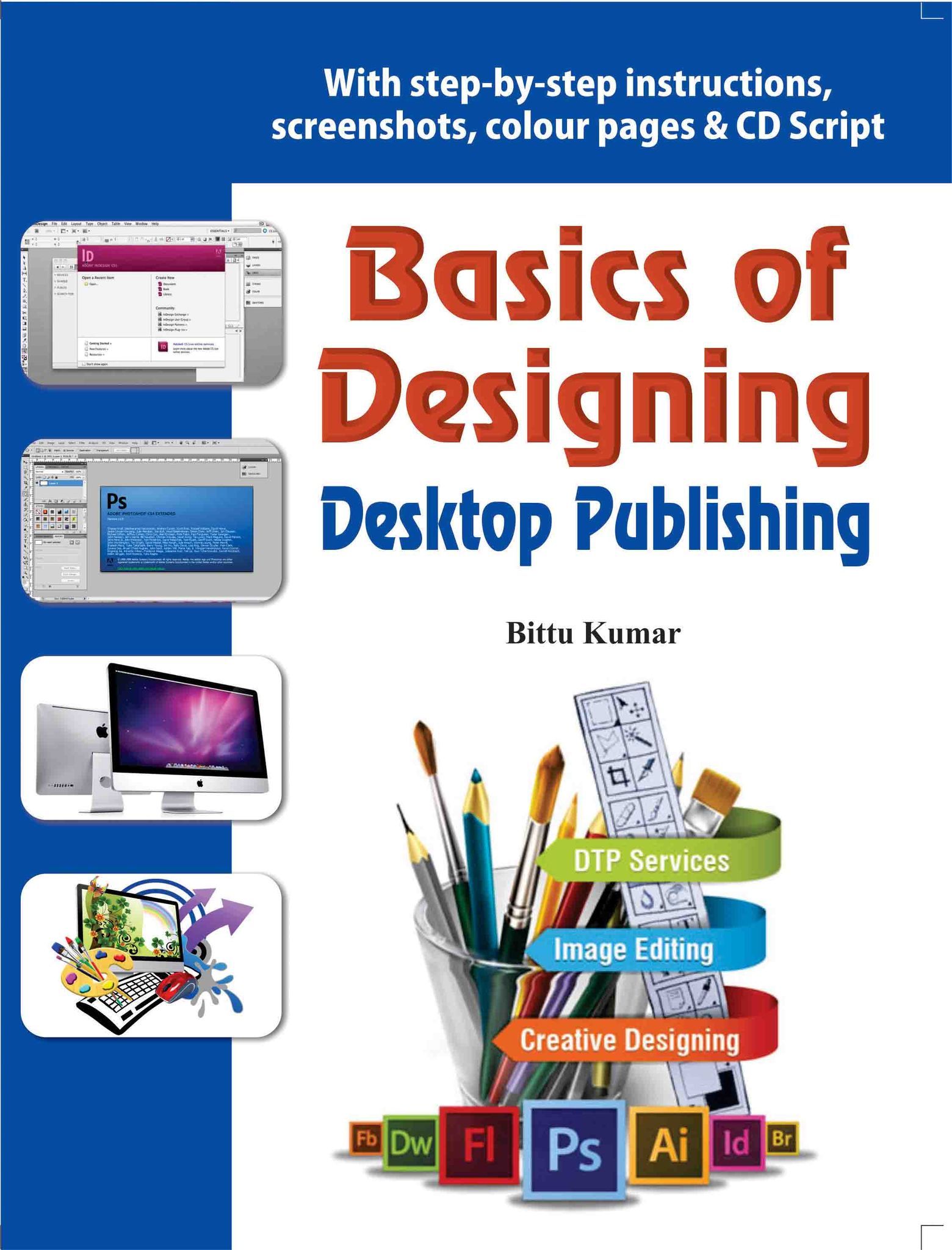

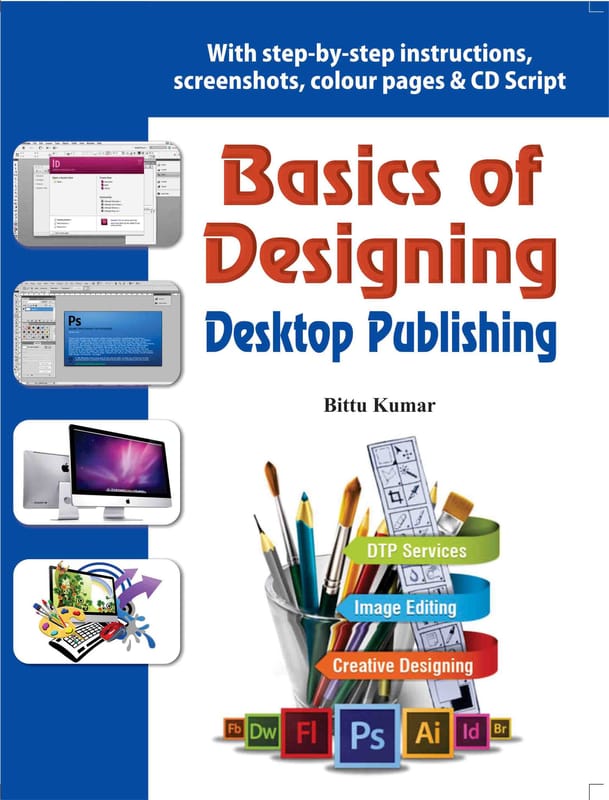
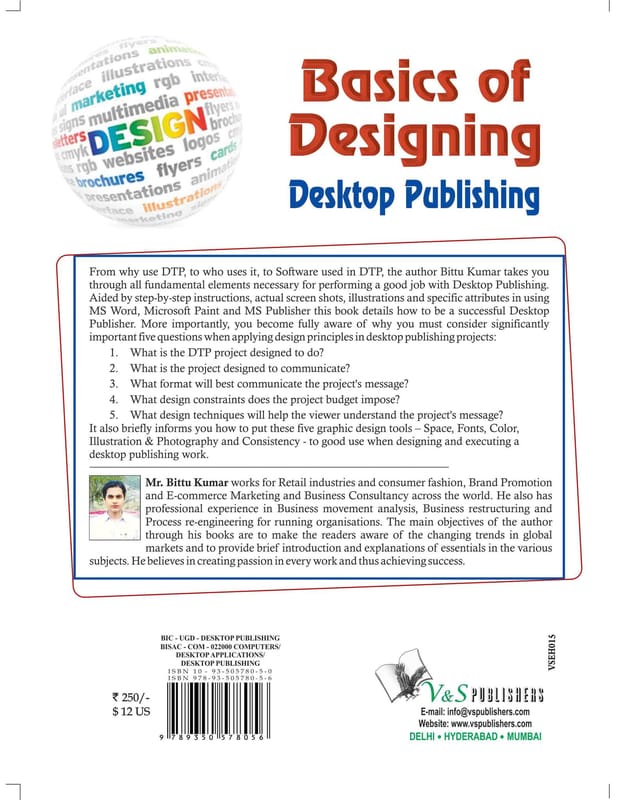
From why use DTP, to who uses it, to Software used in DTP, the author Bittu Kumar takes you through all fundamental elements necessary for performing a good job with Desktop Publishing. Aided by step-by-step instructions, actual screen shots, i...
अधिक पढ़ेंविक्रेता
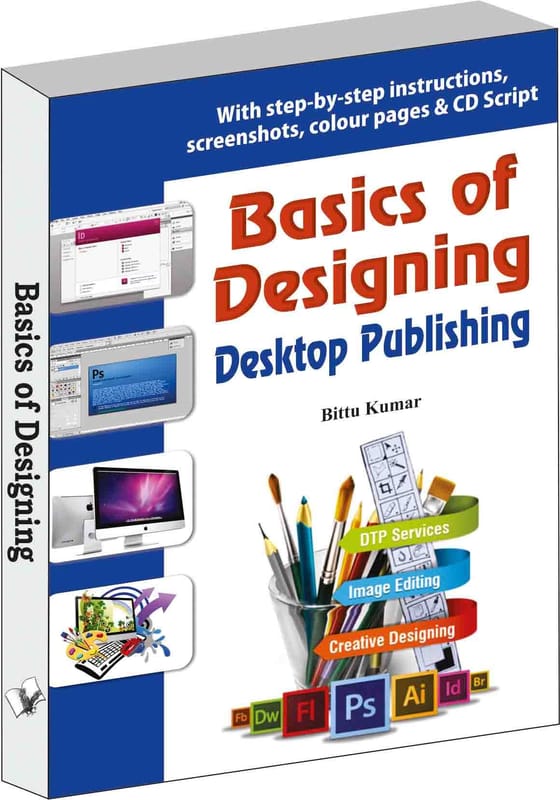
Basics of Designing - Desktop Publishing
मुख्य विशेषताएं
| उद्गम देश | भारत |
|---|---|
| ब्रैंड | V&S Publishers |
| रंग | black |
| शुद्ध मात्रा | 1 unit |
| निर्माता या पैकर का नाम | V&S Publishers |
From why use DTP, to who uses it, to Software used in DTP, the author Bittu Kumar takes you through all fundamental elements necessary for performing a good job with Desktop Publishing. Aided by step-by-step instructions, actual screen shots, illustrations and specific attributes in using MS Word, Microsoft Paint and MS Publisher this book details how to be a successful Desktop Publisher. More importantly, you become fully aware of why you must consider significantly important five questions when applying design principles in desktop publishing projects:
1. What is the DTP project designed to do?
2. What is the project designed to communicate?
3. What format will best communicate the project's message?
4. What design constraints does the project budget impose?
5. What design techniques will help the viewer understand the project's message?
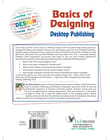
It also briefly informs you how to put these five graphic design tools – Space, Fonts, Color, Illustration & Photography and Consistency - to good use when designing and executing a desktop publishing work. CONTENTS: 1. Introduction a) What is DTP? b) Why Desktop Publishing? c) Who Uses Desktop Publishing? d) Look Beyond Desktop Publishing e) Softwares Used in DTP f) Conclusion 2. Design Basics a) Elements Of Design b) Design Principles c) Design Stages: From Concept to Completi d) Working with the Client e) The Designing Process f) Typography g) Character and Line Spacing h) Categories of Type i) Using Type in Print Media j) Using Type for Electronic Media k) Installing Fonts l) Imagery m) Saving Graphic File Formats n) Understanding the Importance of Colour o) Creating Colours on the Computer p) ction Items Overview 3. DTP using MS Word Introductio a) Getting to Know Word 2010 b) Using Indents and Tabs c) Text Boxes and WordArt d) Formatting Pictures e) SmartArt Graphics 4. DTP using Microsoft Paint a) Launch Microsoft Paint b) Microsoft Paint: Tools c) MS Paint: Menus 5. MS Publisher Introduction a) Getting to Know Publisher 2010 b) Introduction to the Publisher 2010 Environment c) Producing a Publication d) Conclusion
| उद्गम देश | भारत |
|---|---|
| ब्रैंड | V&S Publishers |
| सामग्री | cellulose |
| रंग | black |
| साधारण नाम | Books |
| शुद्ध मात्रा | 1 unit |
| निर्माता या पैकर का नाम | V&S Publishers |
| निर्माता या पैकर का पता | V&S Publishers F-2/16 Ansari Road, Darya Ganj New Delhi - 110097 |
| निर्माण तिथि | 9/1/2017 |
| आईएसबीएन | 9.79E+12 |
| संपर्क विवरण उपभोक्ता देखभाल | V&S Publishers , [email protected] |
विक्रेता के अन्य उत्पाद वी&एस पब्लिशर्स

₹221₹295 ( 25% बंद )

₹188₹250 ( 25% बंद )
₹188₹250 ( 25% बंद )

₹188₹250 ( 25% बंद )

₹221₹295 ( 25% बंद )

₹188₹250 ( 25% बंद )

₹371₹495 ( 25% बंद )

₹296₹395 ( 25% बंद )
₹446₹595 ( 25% बंद )

₹371₹495 ( 25% बंद )
₹371₹495 ( 25% बंद )
₹188₹250 ( 25% बंद )
₹371₹495 ( 25% बंद )

₹263₹350 ( 25% बंद )

₹296₹395 ( 25% बंद )