Hunar SetuHunar Setu is a social initiative that connects skilled artisans and craftsmen with buyers, businesses, and communities that value their work. India’s artisans carry centuries of tradition, culture, and craftsmanship, but many of them struggle to access markets, technology, and fair opportunities. Hunar Setu was created to bridge this gap.https://www.hunarsetu.com/s/62ea2c599d1398fa16dbae0a/676523772eb3cf19c22b9674/hunarsetu1-logo-1--480x480.png
Vatika Business Park, Sector 49, Sohna Road122018GurugramIN
Hunar Setuhttps://www.hunarsetu.com
Vatika Business Park, Sector 49, Sohna RoadGurugram, IN
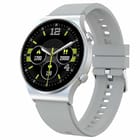
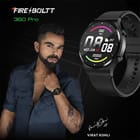
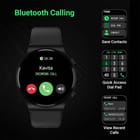
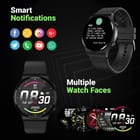
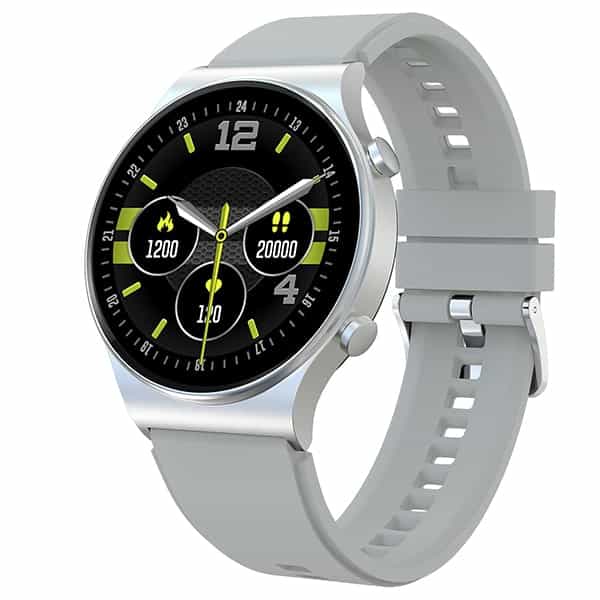
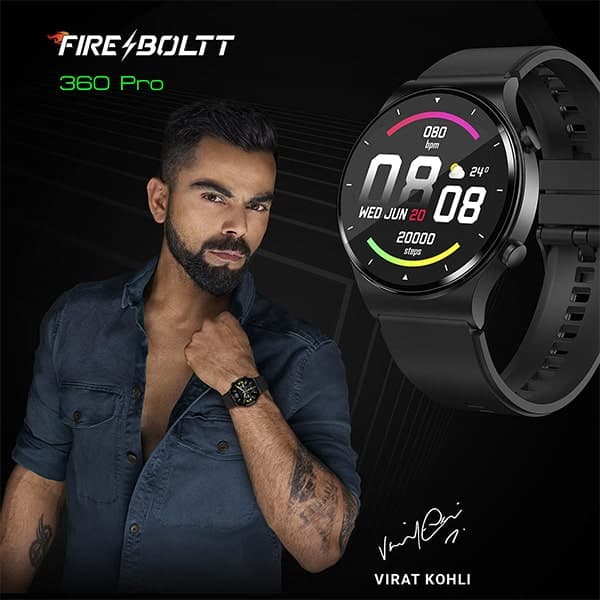
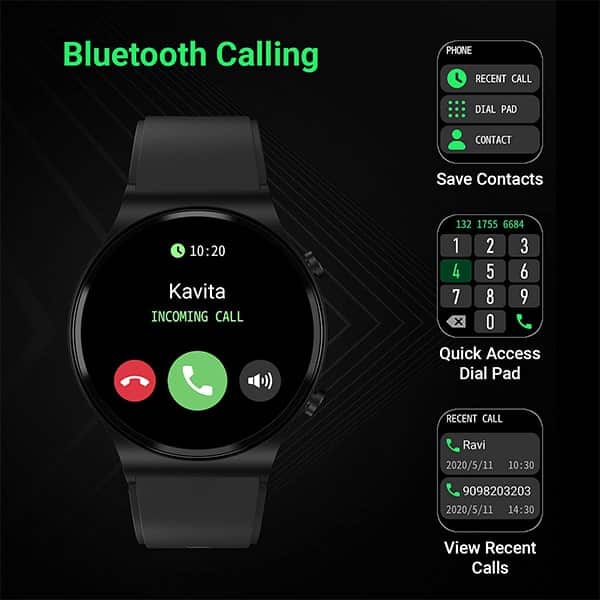
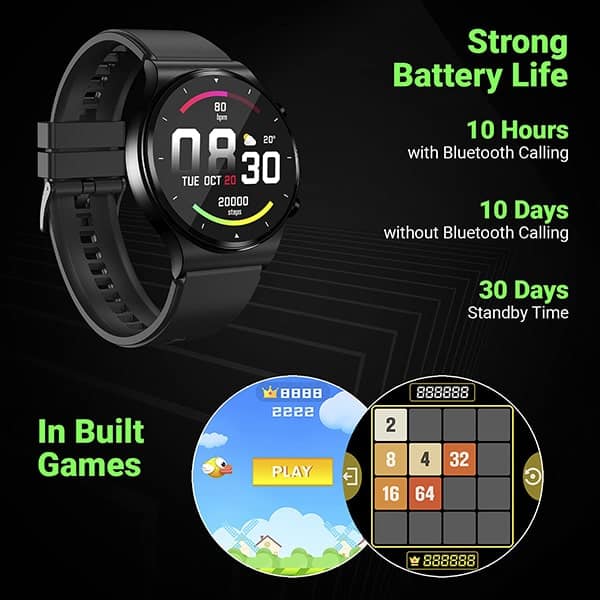
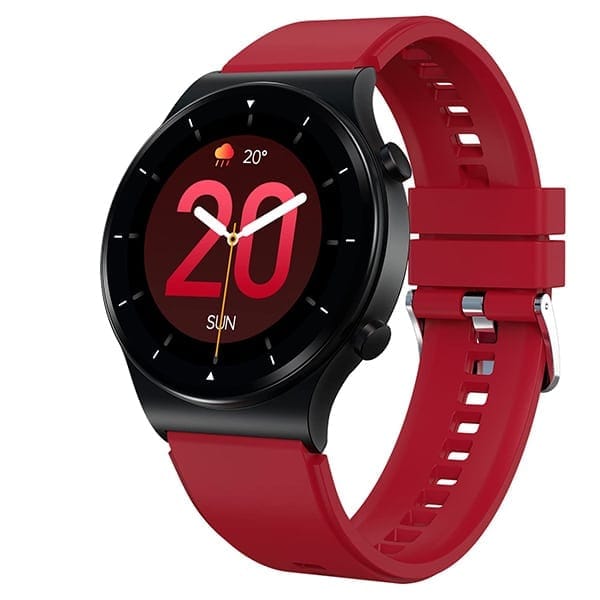
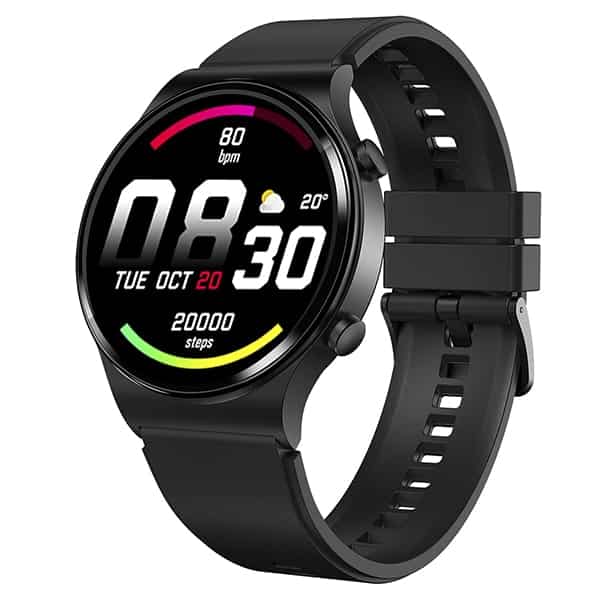
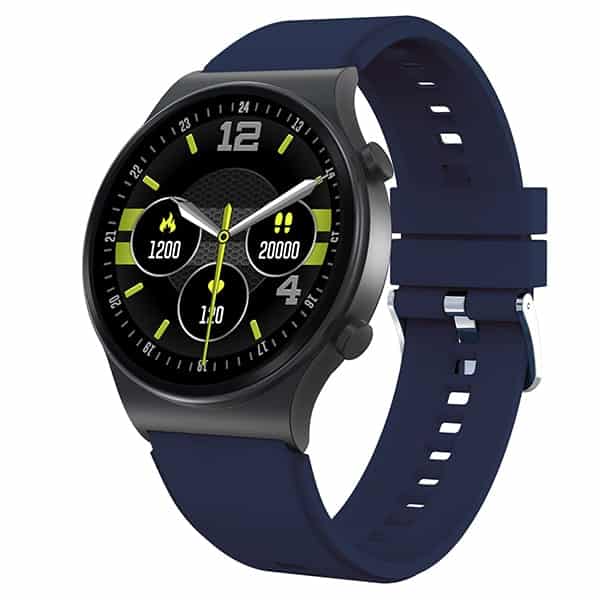
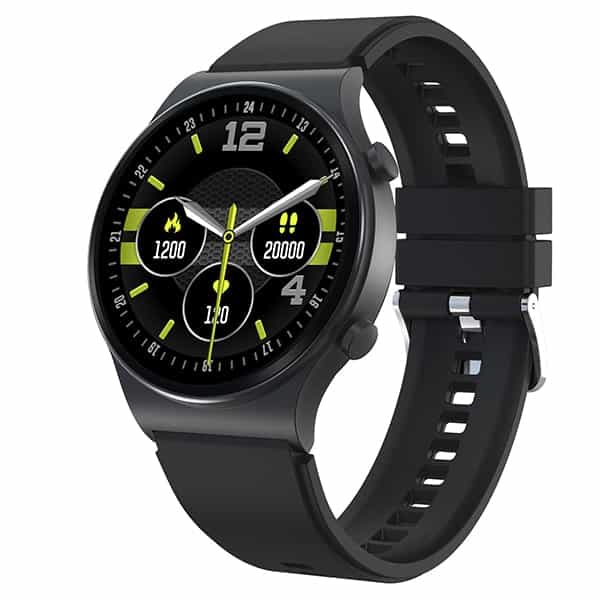
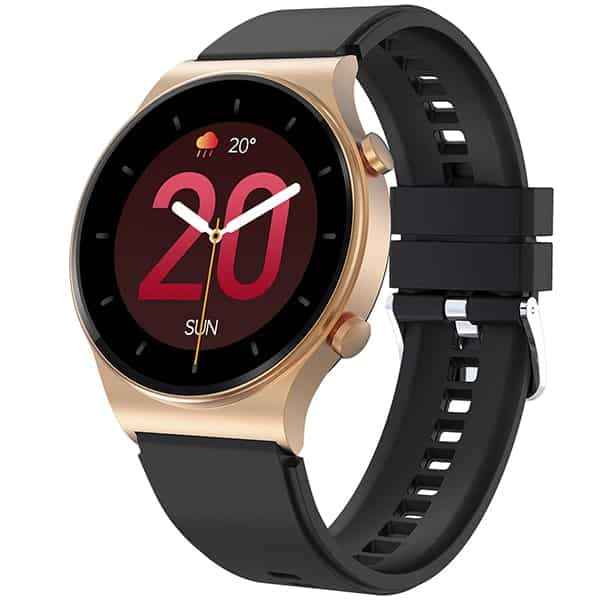
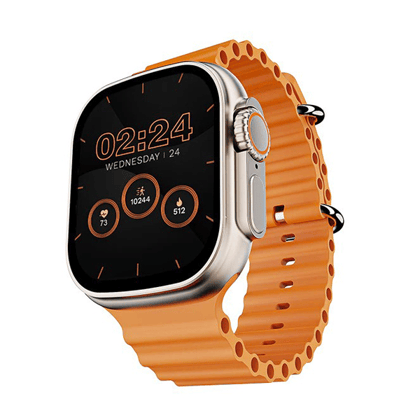
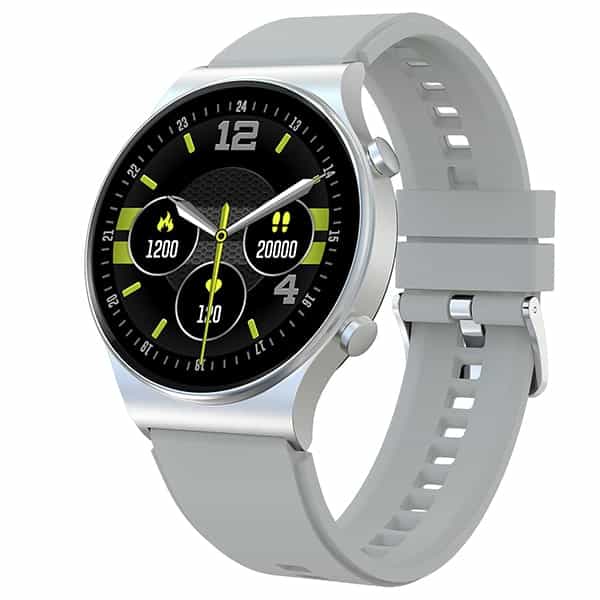
Bluetooth Calling Watch - Fire-Boltt 360 Pro enables you to make and receive calls directly from your watch via the built-in speaker and microphone. This smartwatch features a dial pad, option to access recent calls & sync your phone’s contacts.
How to activate Bluetooth Calling - To enable Bluetooth Calling Function, first connect it to the compatible app. Once connected, manually go to the phone's Bluetooth settings and pair (Bluetooth Name: BSW017). Upon pairing, you will get a notification: Connected for calls and audio.
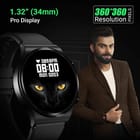
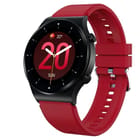
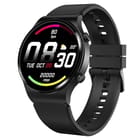
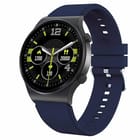
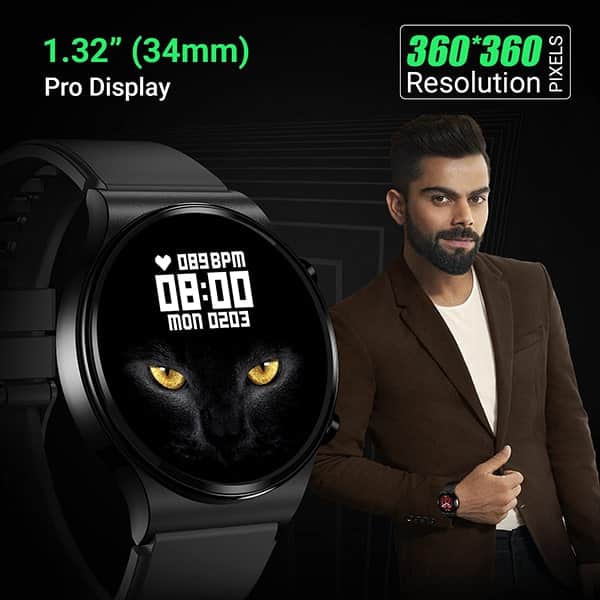
360*360 High Retina Display Resolution - 1.32 inches HD Color screen Full capacitive touch, supporting taps and swipes.
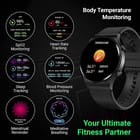
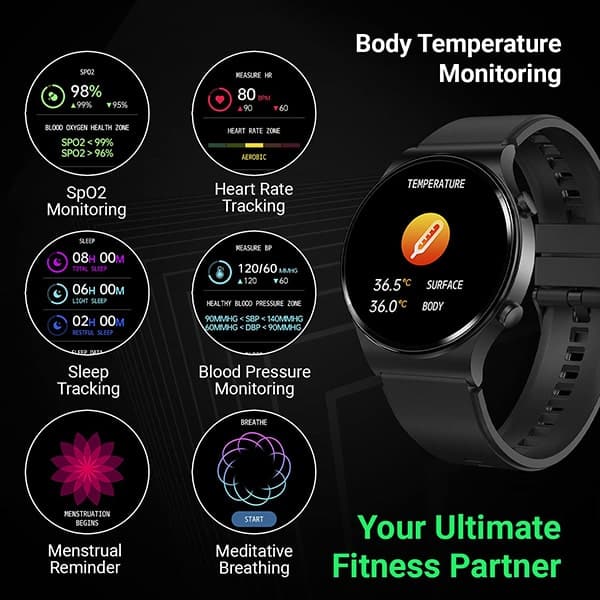
Temperature Monitoring - The watch can monitor your temperature.
SPO2/ Oxygen, Heart Rate - Fire-Boltt 360 Pro Smartwatch comes with real time 24*7 SPO2 / Blood Oxygen tracking, Dynamic Heart Rate Monitoring
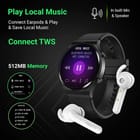
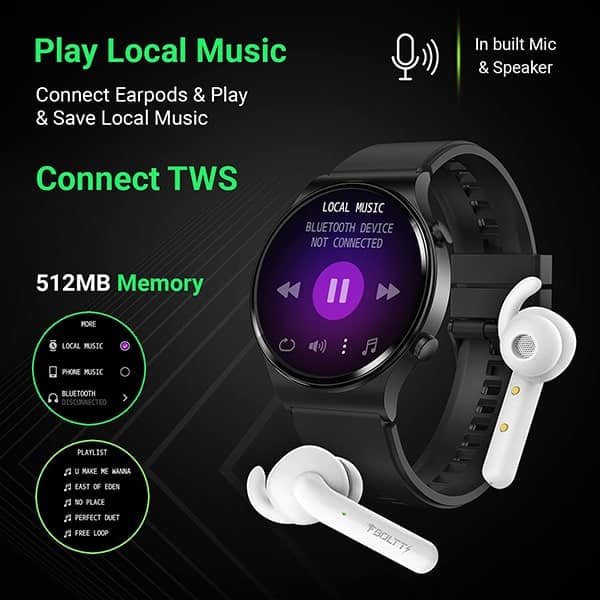
Connect Earpods & Play & Save Local Music - The watch allows you to connect your earpods and enjoy listening to music with this cross connection. Store your favourite music in the watch as local music. Play favourite music on the watch with the in-built speaker
Bluetooth Calling Watch - Fire-Boltt 360 Pro enables you to make and receive calls directly from your watch via the built-in speaker and microphone. T...
Bluetooth Calling Watch - Fire-Boltt 360 Pro enables you to make and receive calls directly from your watch via the built-in speaker and microphone. This smartwatch features a dial pad, option to access recent calls & sync your phone’s contacts.
How to activate Bluetooth Calling - To enable Bluetooth Calling Function, first connect it to the compatible app. Once connected, manually go to the phone's Bluetooth settings and pair (Bluetooth Name: BSW017). Upon pairing, you will get a notification: Connected for calls and audio.
360*360 High Retina Display Resolution - 1.32 inches HD Color screen Full capacitive touch, supporting taps and swipes.
Temperature Monitoring - The watch can monitor your temperature.
SPO2/ Oxygen, Heart Rate - Fire-Boltt 360 Pro Smartwatch comes with real time 24*7 SPO2 / Blood Oxygen tracking, Dynamic Heart Rate Monitoring
Connect Earpods & Play & Save Local Music - The watch allows you to connect your earpods and enjoy listening to music with this cross connection. Store your favourite music in the watch as local music. Play favourite music on the watch with the in-built speaker



 Warranty